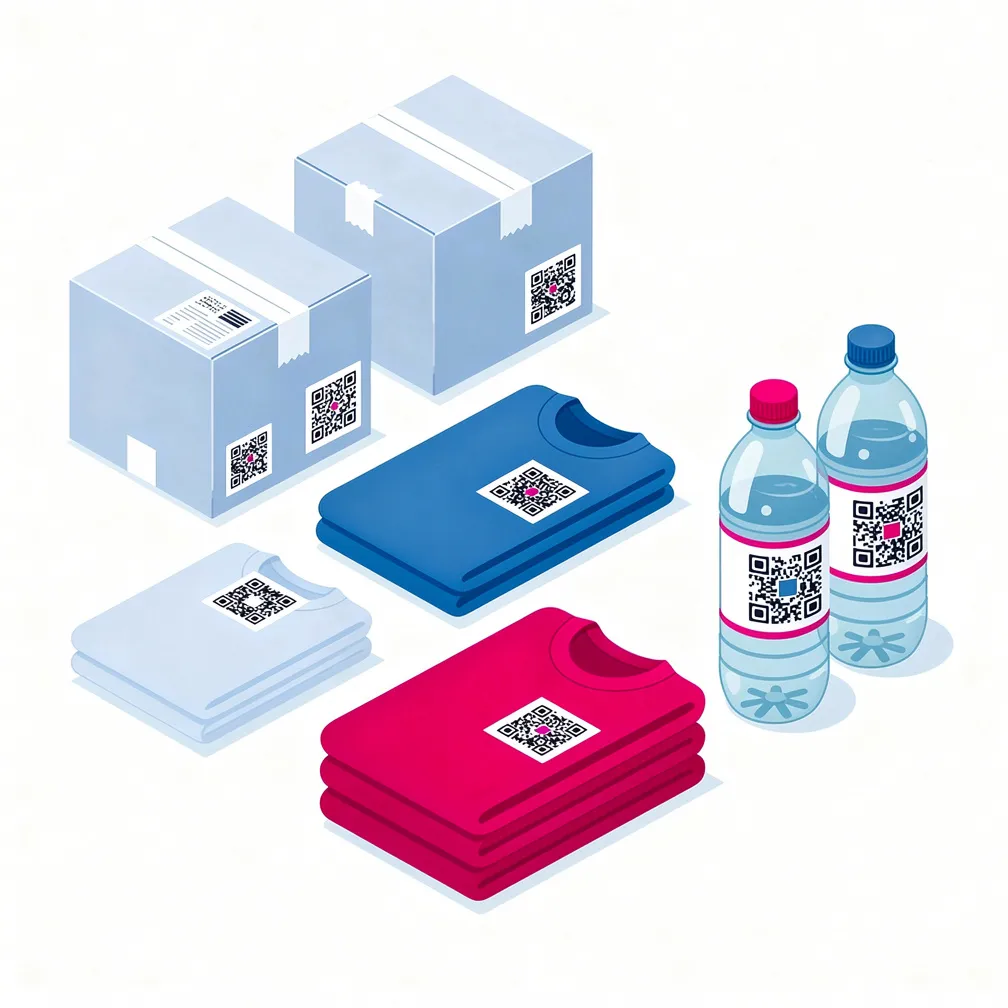
Chestnyi Znak
Each client connects to Chestnyi Znak securely using their own credentials. All operations are performed on their behalf — data does not cross between clients, and responsibility for marking remains with the rights holder.
Order codes directly from the system — for own production, contract manufacturing, import, or marking of remaining stock. The system creates the request in OMS, tracks its status, and credits received codes to specific order line items. Codes for multiple products can be ordered in a single request.
Link products from your catalog to cards in the Chestnyi Znak National Catalog by GTIN. Import product parameters — composition, dimensions, TNVED codes — directly from the catalog to avoid manual entry and prevent errors when submitting documents.
Create transport packages to GS1 SSCC standard and send aggregation documents to Chestnyi Znak in one click. Multi-level aggregation is supported (item → package → box → pallet), as well as set aggregation and disaggregation. The system automatically collects all unaggregated packages for an order.
After codes are applied, the system generates a circulation document for all processed product units. Supported entry types: via FCS (for imports) and balance stock entry. The document is signed and sent to Chestnyi Znak without exporting to third-party services.
All Chestnyi Znak requests are recorded as documents with a status: pending, processing, sent, processed, or error. You always see which requests are not yet complete and can check the current status directly from the order card.
Reserve codes and print DataMatrix stickers directly from the system — individually or in bulk. For large volumes, the sticker file is generated in the background and saved as an attachment to the order. Re-printing reserved codes and returning codes to the available pool are both supported.
If a code was damaged or lost — create a re-marking request without leaving the order. The system generates a corrective document and tracks its processing. All corrections are recorded in the product unit history.