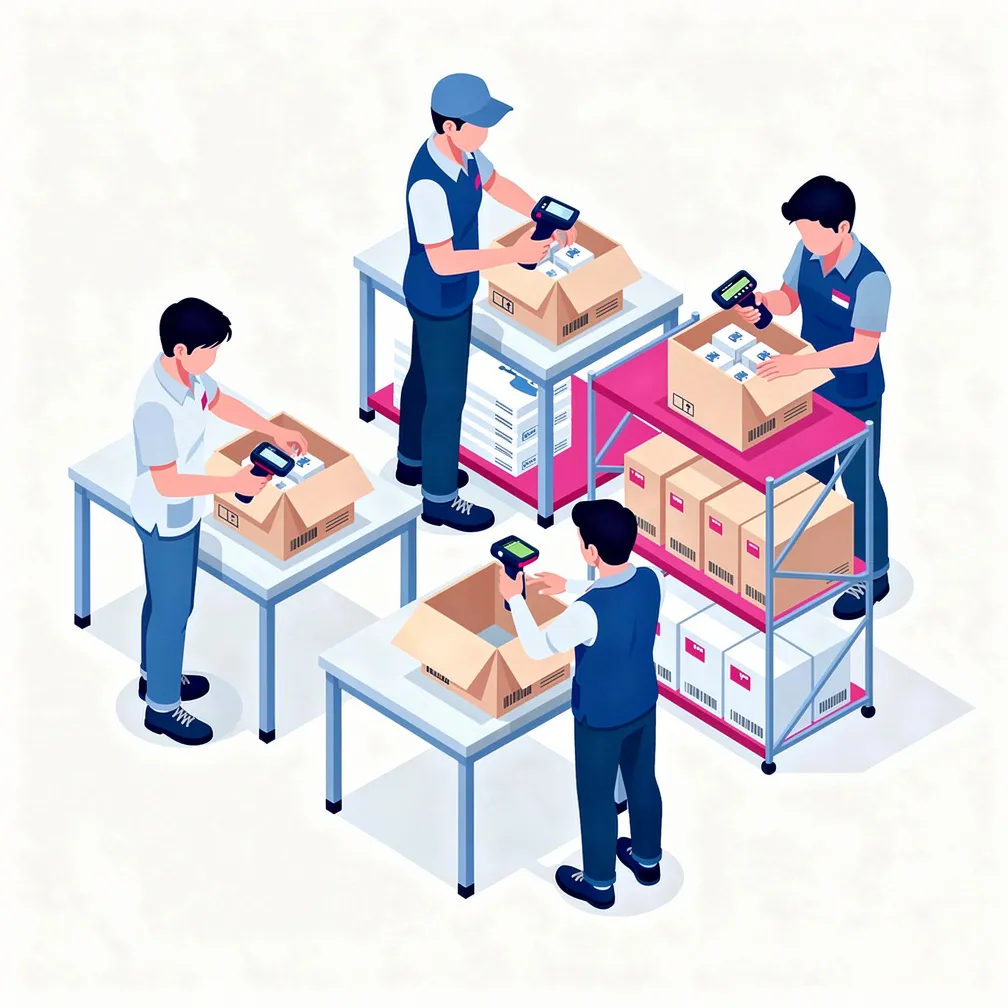
Order and box assemble
Open a package by code — SSCC or short UUID — and scan items into it directly from a smartphone, tablet, or barcode scanner. The system instantly validates each scanned code: whether the item belongs in this package and whether it has already been placed in another box. Errors are visible on screen immediately — not after unpacking a finished box.
Create templates with rules — package type (bag, box, sack, pallet), maximum capacity, allowed content type, and exact item composition per order. Templates work at company or order level. The system automatically blocks attempts to put the wrong items into a package.
Place items into a package, packages into a sack, sacks into a pallet. Any level of the hierarchy can be assembled by scanner or manually. The number of levels is unlimited — from individual units to transport pallets.
Don't want to scan every unit manually? Specify the quantity per package and per sack — and the system distributes available units across boxes in one click. Nesting is supported: bags inside sacks are created and filled automatically. A package closes itself when the set capacity is reached.
Assemble sets from multiple product units — the system links them together and tracks completeness. An incomplete set cannot be placed in a package or put into circulation. Disassembling a completed set takes one button.
Create a packing list for any warehouse operation: receiving, shipment, transfer between warehouses, inventory, or issuance. During scanning the system records weight and storage cell address, automatically updates the package status, and links it to the correct warehouse. Boxes not on the list can be created or added on the fly during scanning.
See in real time: how many packages have been processed, how many remain, which are empty, which are incomplete, or not included in the shipment. The expected number of packages can be set in advance — and the entire packing structure created in one click.
Scan and print immediately — the sticker for a just-assembled package is available right from the assembly screen. The SSCC code is generated automatically to GS1 standard based on the company's GLN as soon as the package is created.